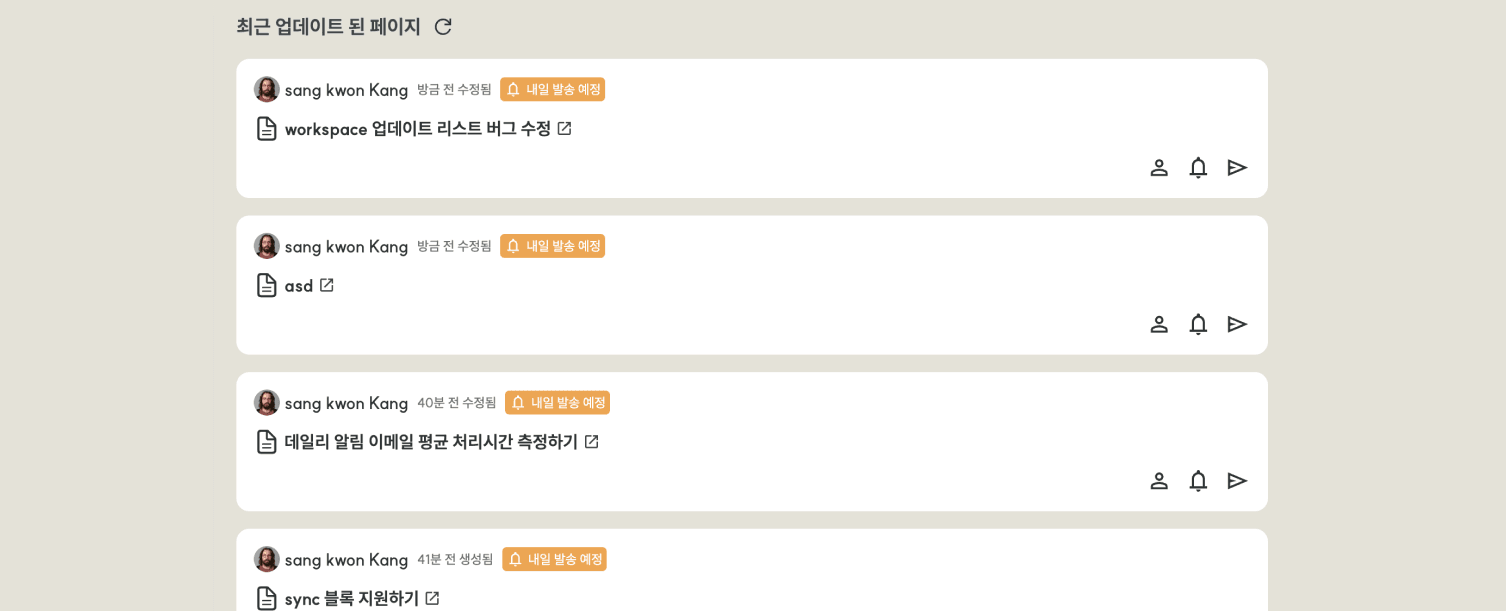
Select the Page to Share
Find the page you want to share in the list of recently updated pages. Click the email conversion button [➤].
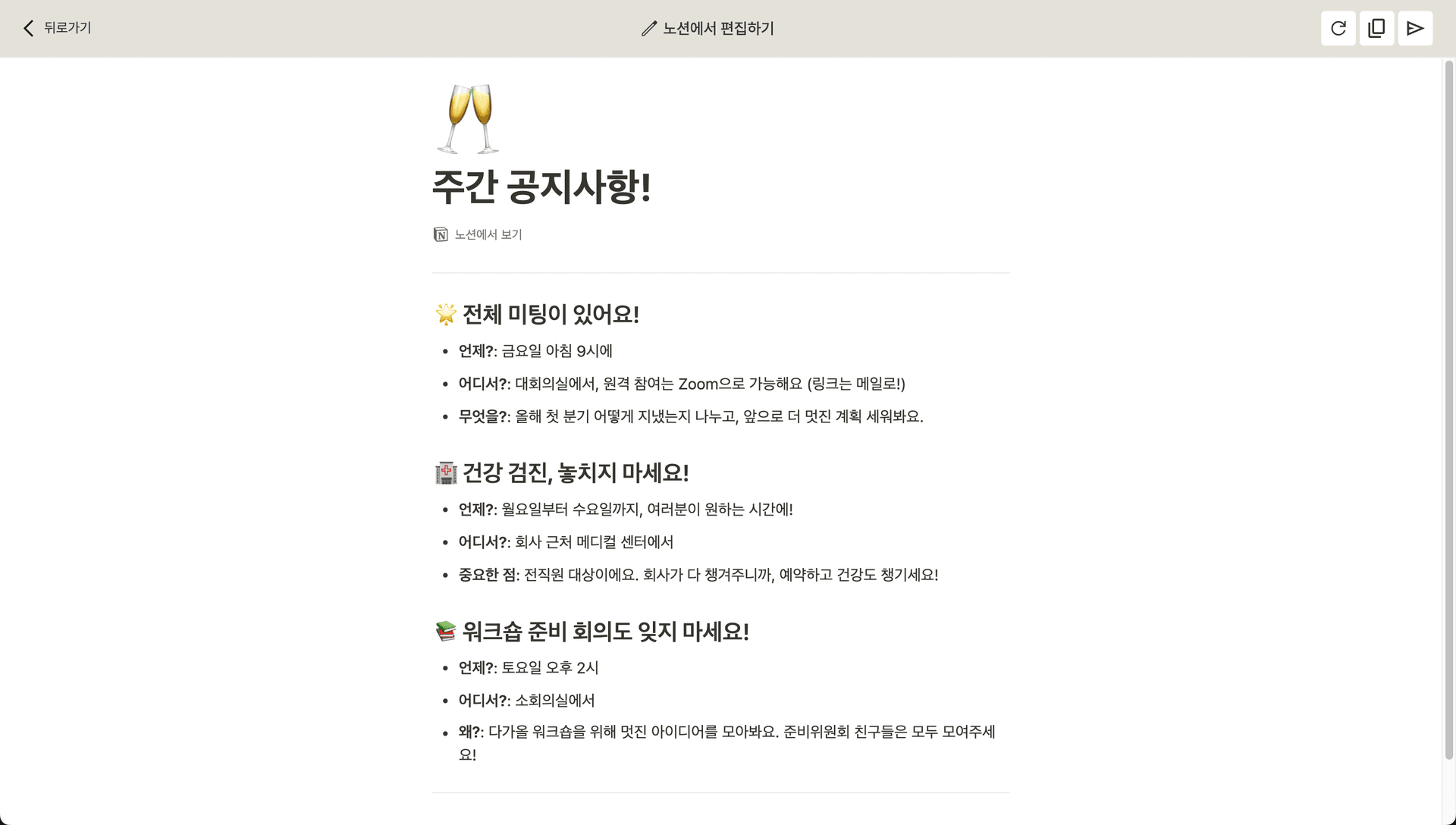
Email Preview
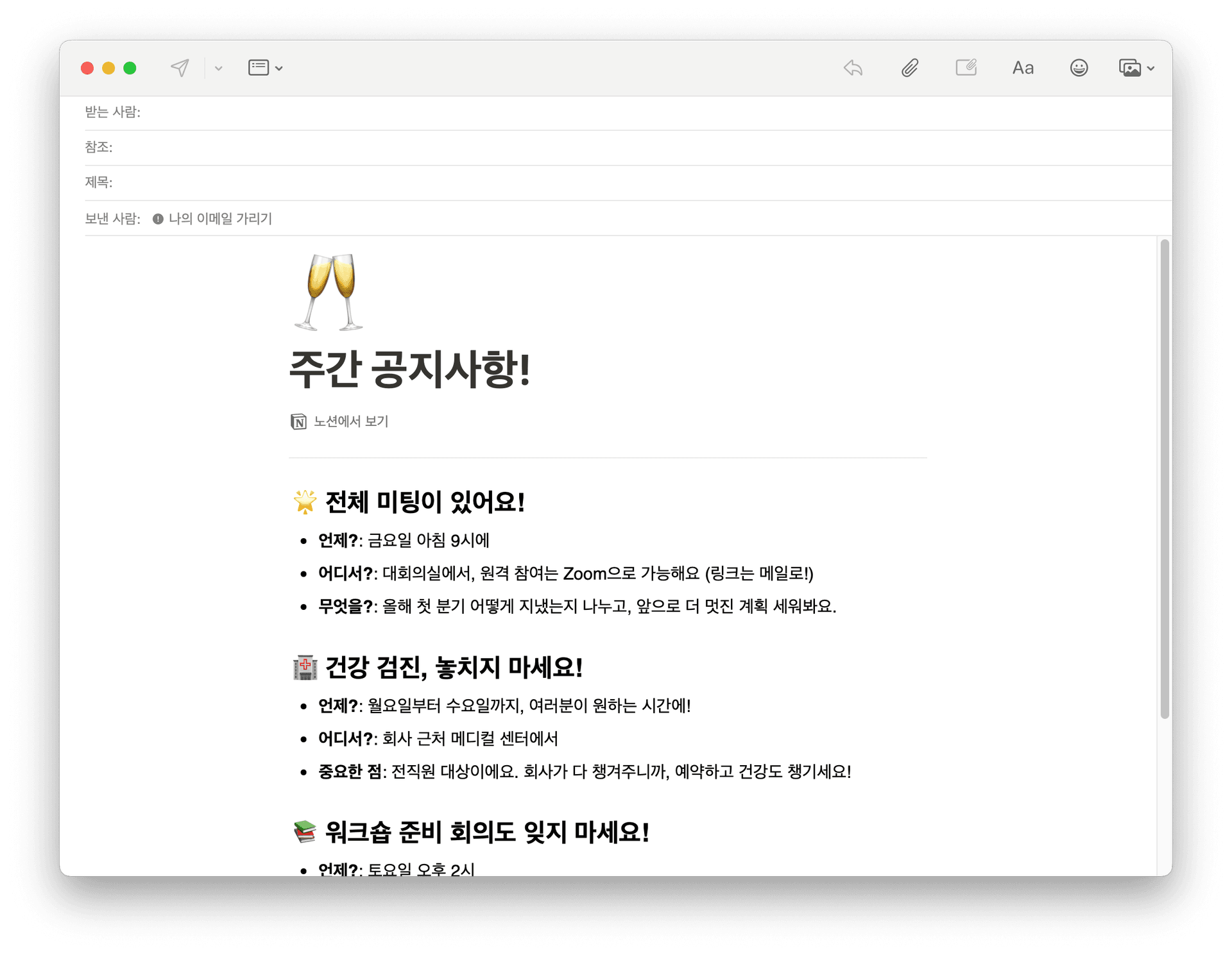
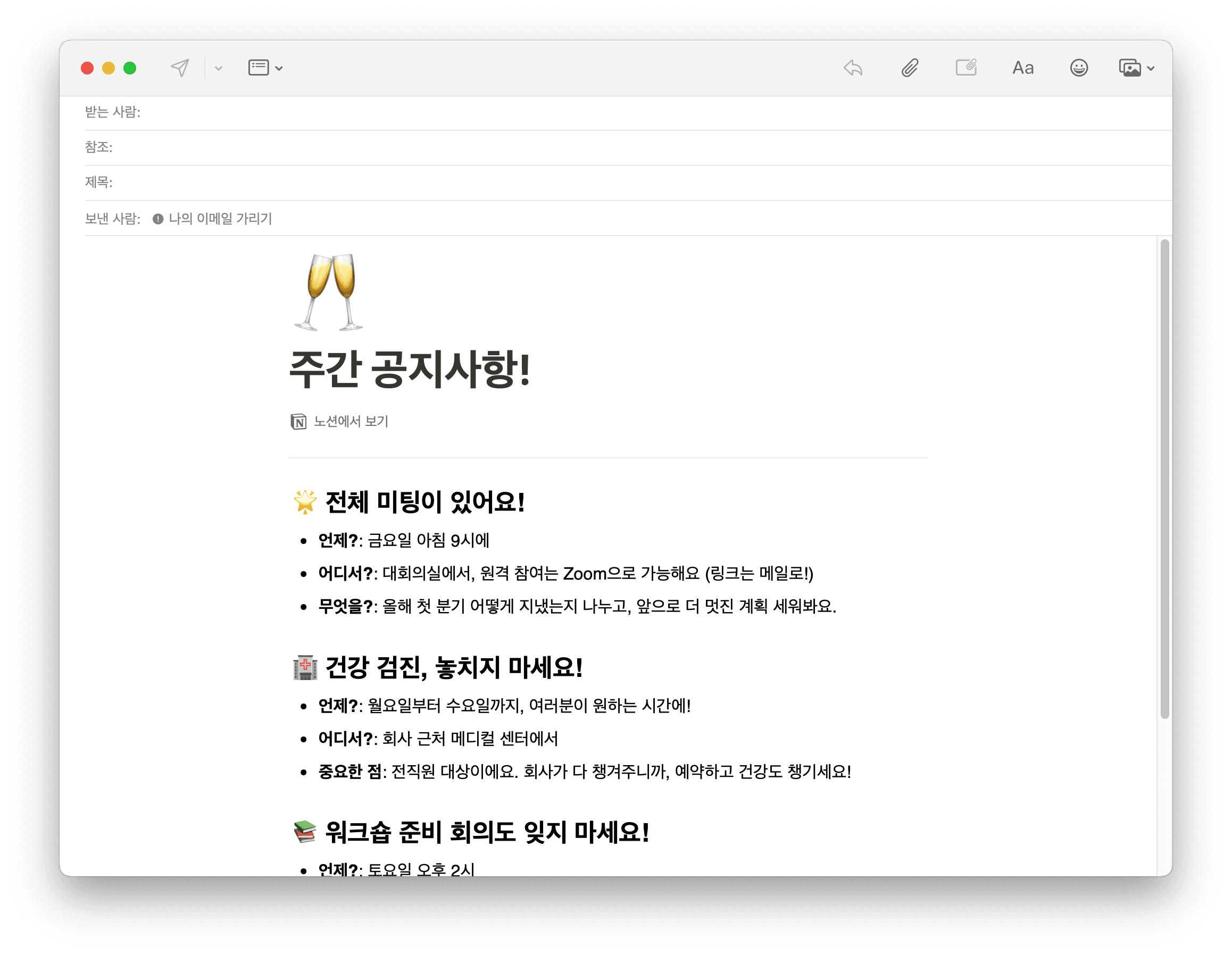
Before sending the email, you can preview the converted content. Some blocks may not be supported, so please check for any issues. When content changes, click the refresh button at the top right to update.
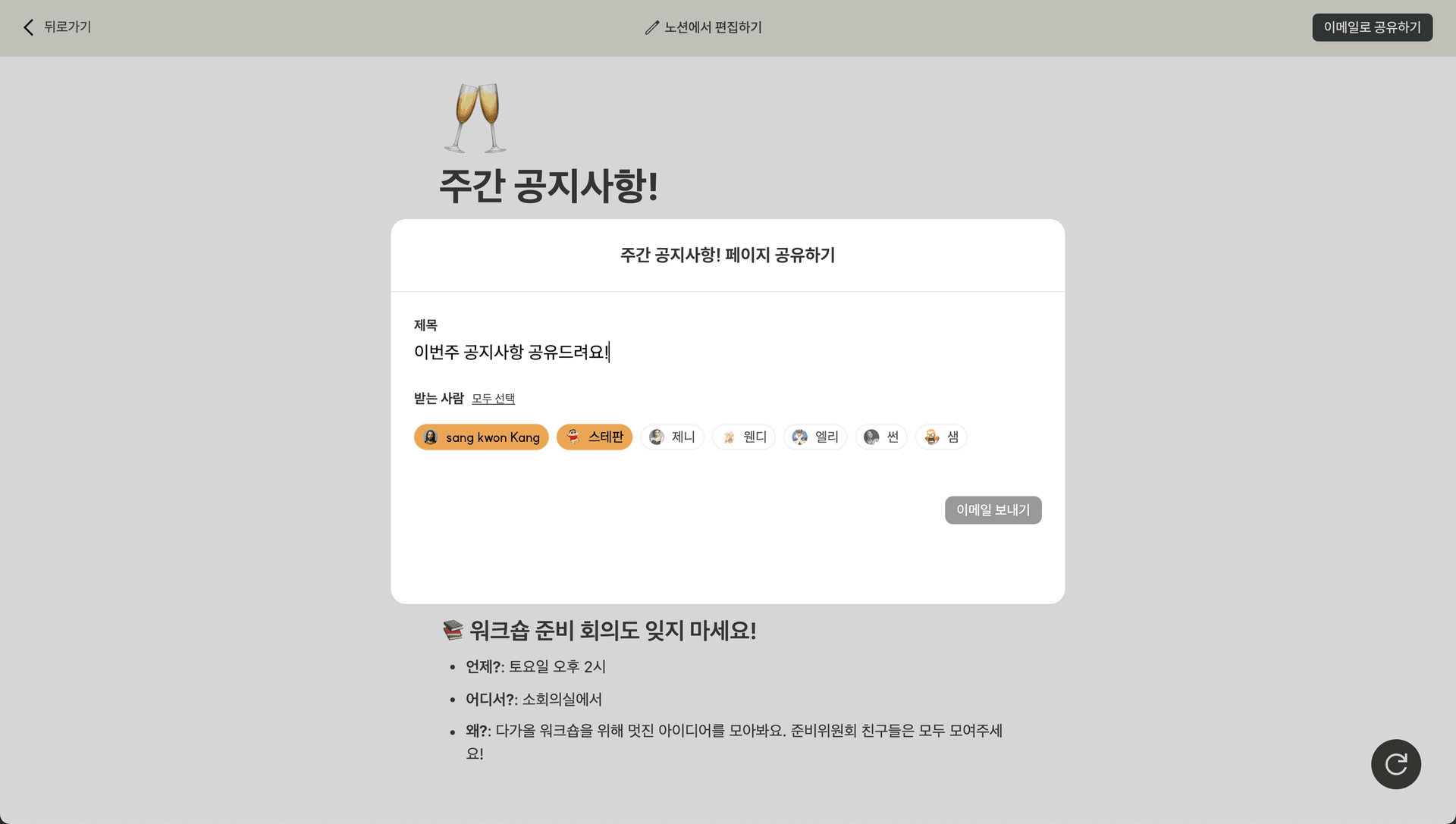
Share with Who You Want
Click the send button [➤] at the top right. In the dialog, write an email subject and select the workspace members you want to send it to. Click the Send Email button to send the email immediately.
Tip: If you want to send email to non-workspace members,
Click the copy button at the top right. You can copy the email-converted content. Paste it into your preferred email client (e.g., Gmail, Apple Mail).